Complete Payment
Scan the QR code or use the UPI ID to pay. Then submit your details below.
SCAN & PAY via any UPI App
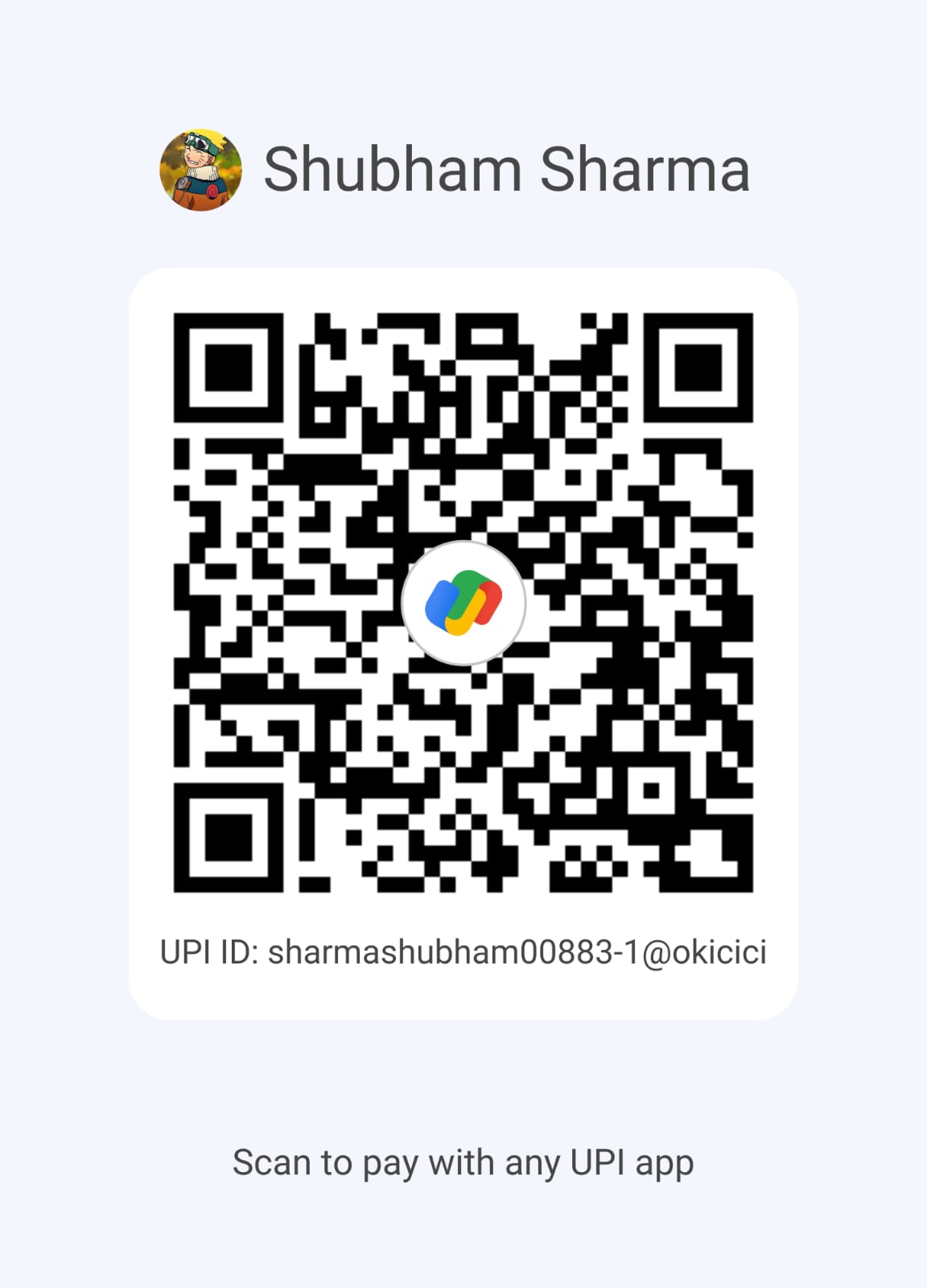
UPI ID:
sharmashubham00883-1@okicici
Accepts Google Pay · PhonePe · Paytm · BHIM
Pay this amount in ₹
USD
$0
→
INR
₹...
Live rate: loading...
📋 How it works
1
Open any UPI app on your phone
2
Scan the QR code or enter the UPI ID
3
Pay the exact amount shown for your plan
4
Copy the UTR / transaction reference number
5
Take a screenshot of the payment confirmation
6
Fill the form → Admin verifies in 2–4 hours
Submit Payment Details
Fill in your payment info to notify our admin for verification.
🎉
Payment Submitted!
Our admin team will verify your payment within 2–4 hours. You'll be notified once your account is activated.
Go to Dashboard →